
Help Center
How to Log In to the SEEP App
Logging into the SEEP Mobile App allows teachers and students to access class schedules, track attendance, and manage SEEP activities efficiently. Follow the simple steps below to log in and start using the app.
Step 1: Open SEEP Mobile Application
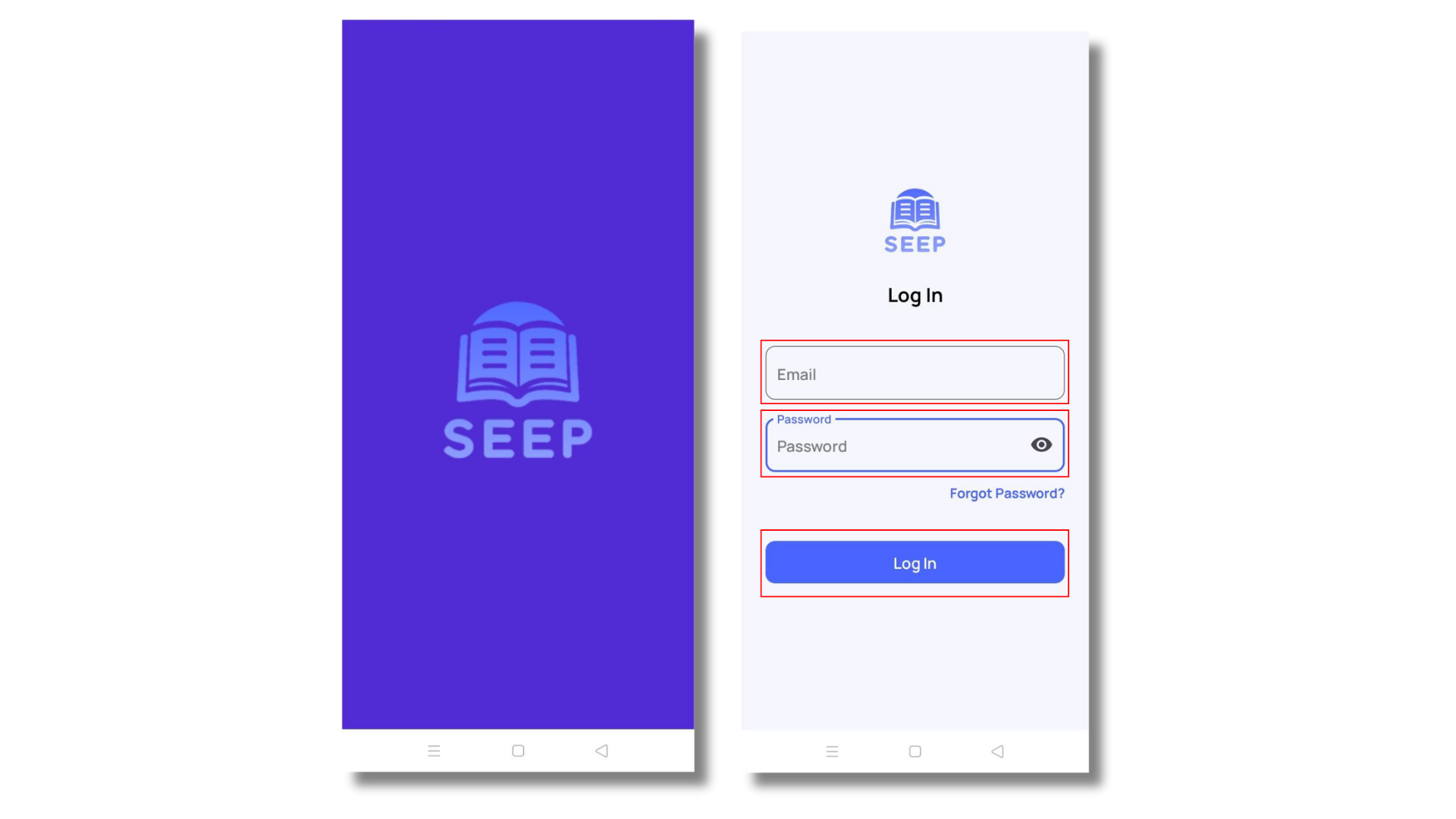
- Enter your email and password in the login page
- Tap on [Log In] after entering email and password
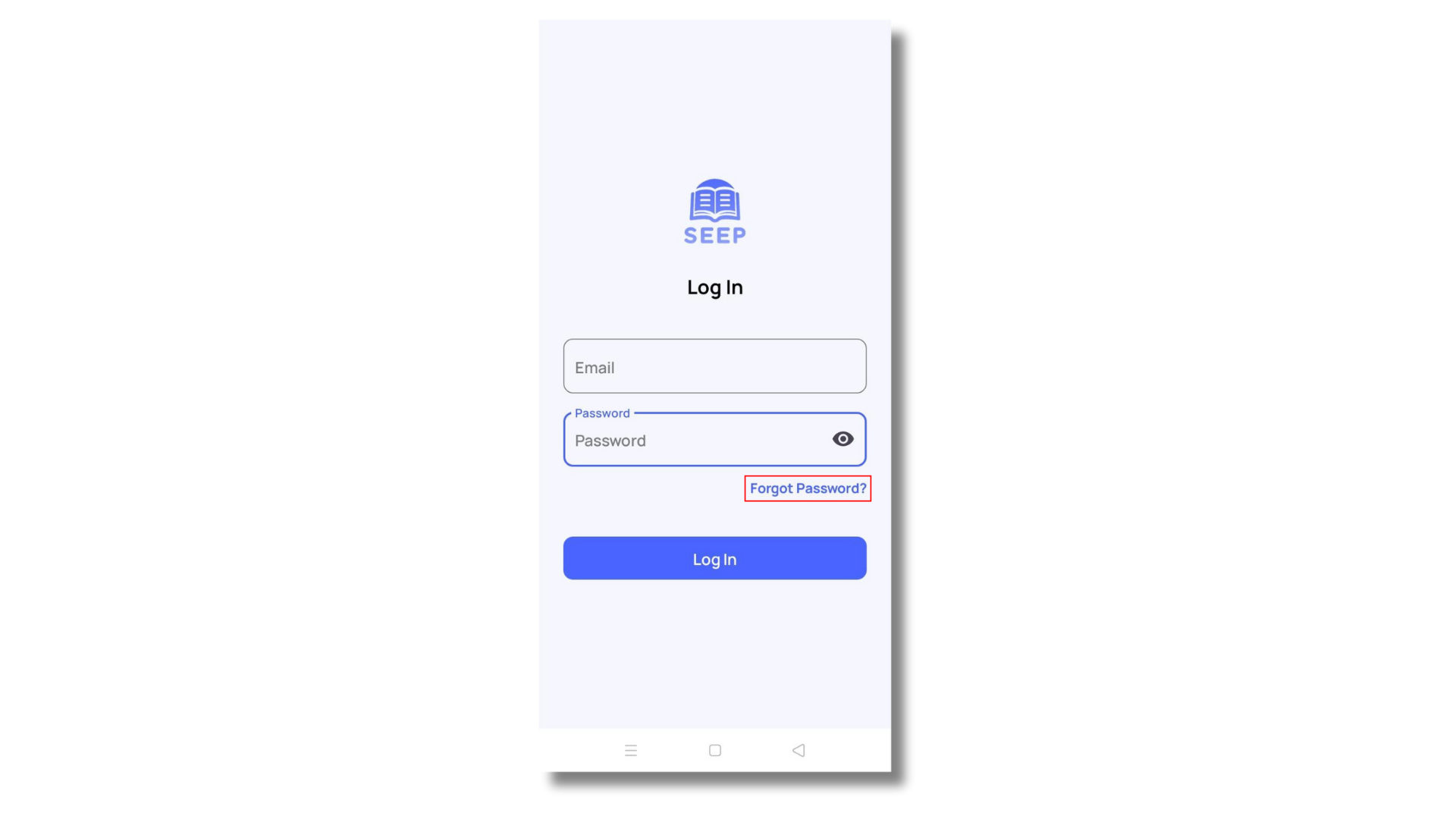
- If user forgot their password, tap [Forgot Password] to reset it.
Congratulations! You have successfully logged into the SEEP App. You can now access your class schedule, attendance records, and other SEEP features. If you experience any issues, contact us for assistance. Happy learning! 😊